ApeSurvey PAD
Landscape on-board surveying software for Android total stations
A landscape interface built for Android total stations — station setup, measurement, stakeout and data management in one application.
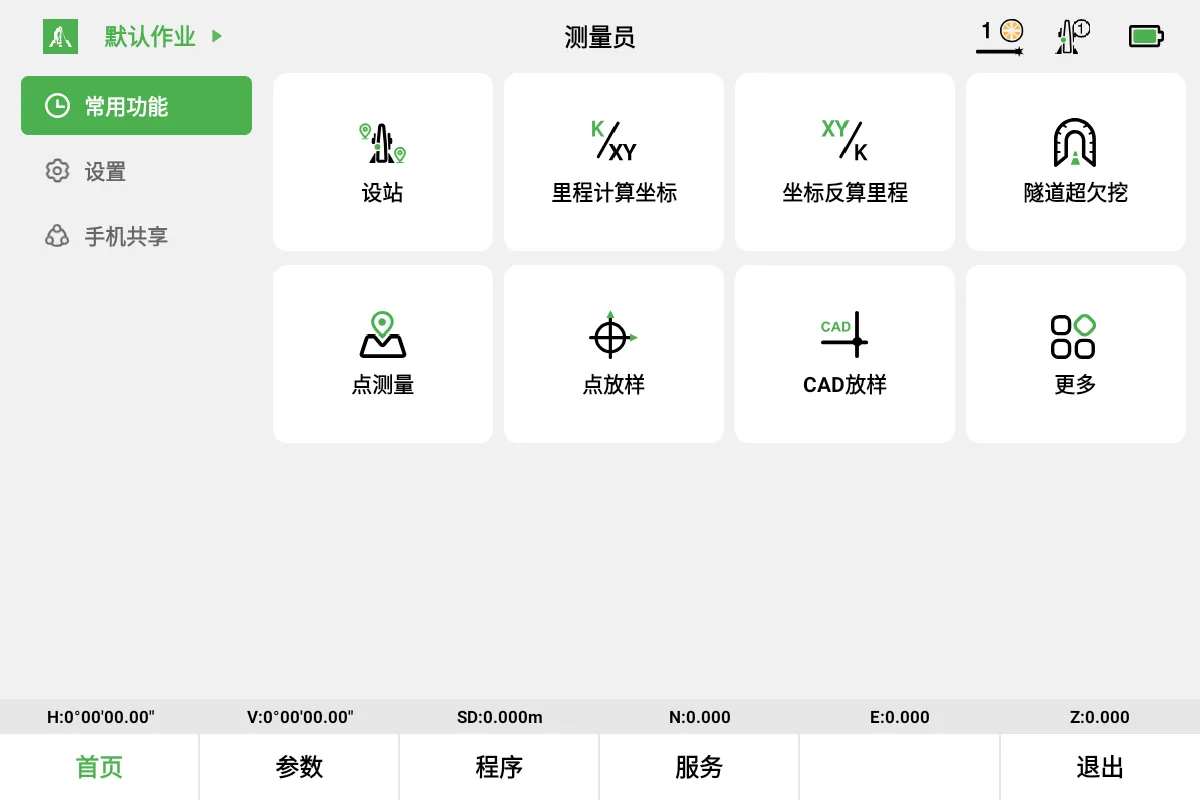
Designed for Android total stations
Built around the way Android total stations are operated, with the field workflow in one interface
Landscape on-board
Designed for the screen and controls of Android total stations.
Full field workflow
Create a job, set up the station, measure and stake out in one interface.
Unified data management
Points, lines, surfaces and control points in one place; observation records can be reviewed, deleted and exported.
Instrument status at a glance
The top bar shows distance mode, target type, level status and aiming state.
From creating a job to exporting records
Jobs, station setup, measurement, stakeout and data management, completed on site
Jobs and data
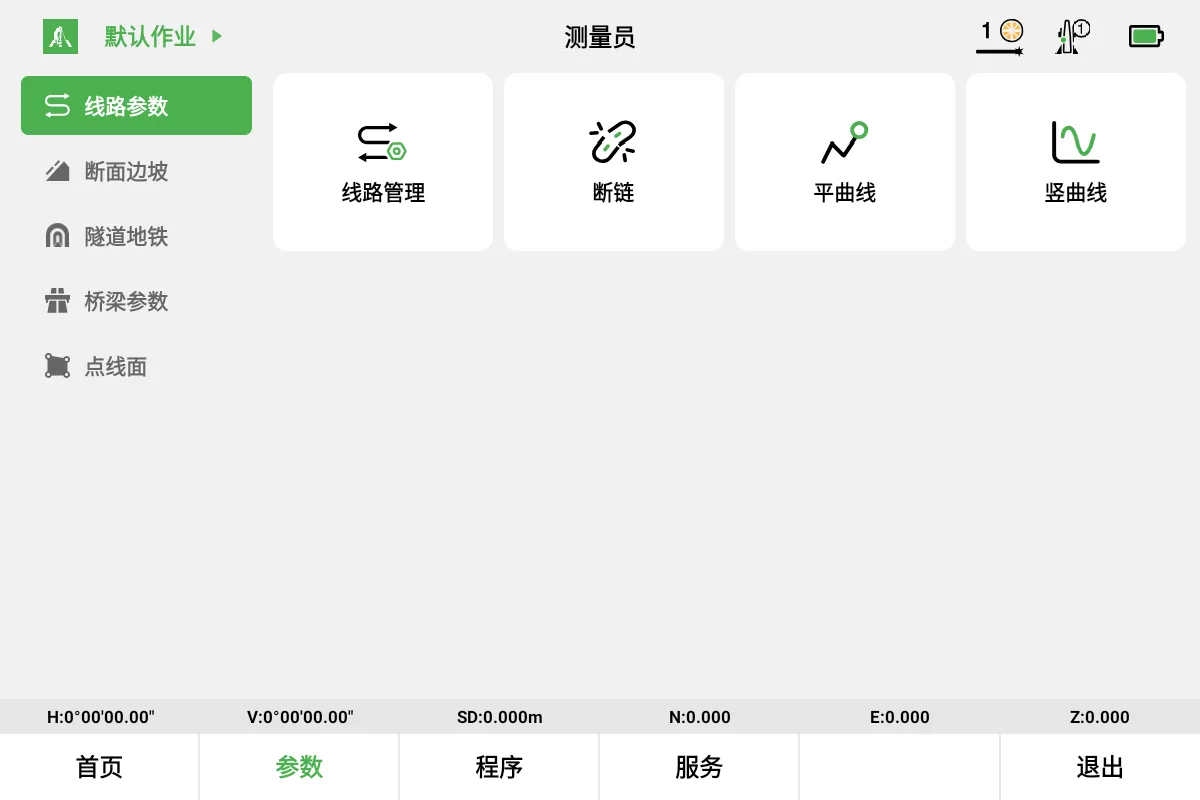
- Job, work and alignment management
- Measured point and known point libraries
- Line, surface and control point libraries
- Review, delete and export observation records
Station setup, measurement and stakeout
- Azimuth setup, known backsight setup, resection
- Point measurement, area measurement
- Point stakeout, reference line stakeout, surface stakeout
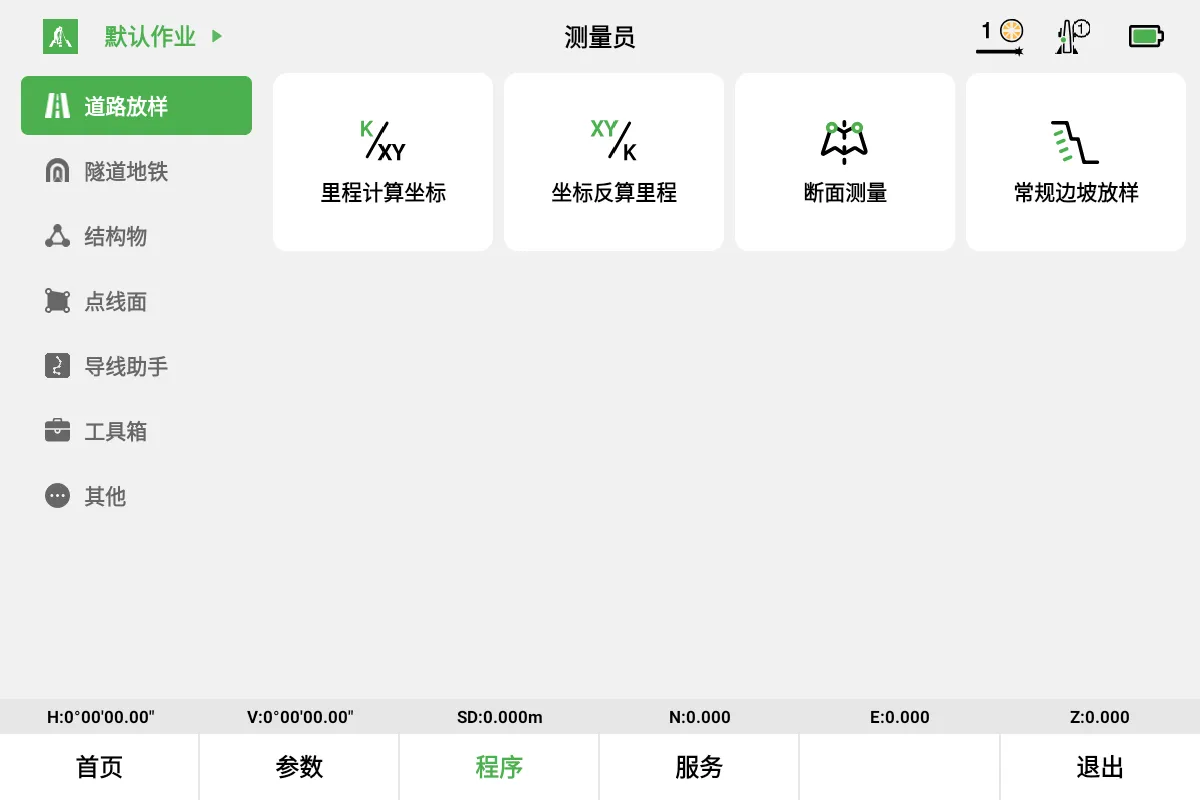
- Road stakeout
Instrument and interface
- Distance mode: single / continuous / horizontal distance
- Target type: reflector sheet / round prism / 360° prism / mini prism / 0-constant mini prism / prism-free
- Laser pointer, level status
- Aiming and search: automatic / manual / locked
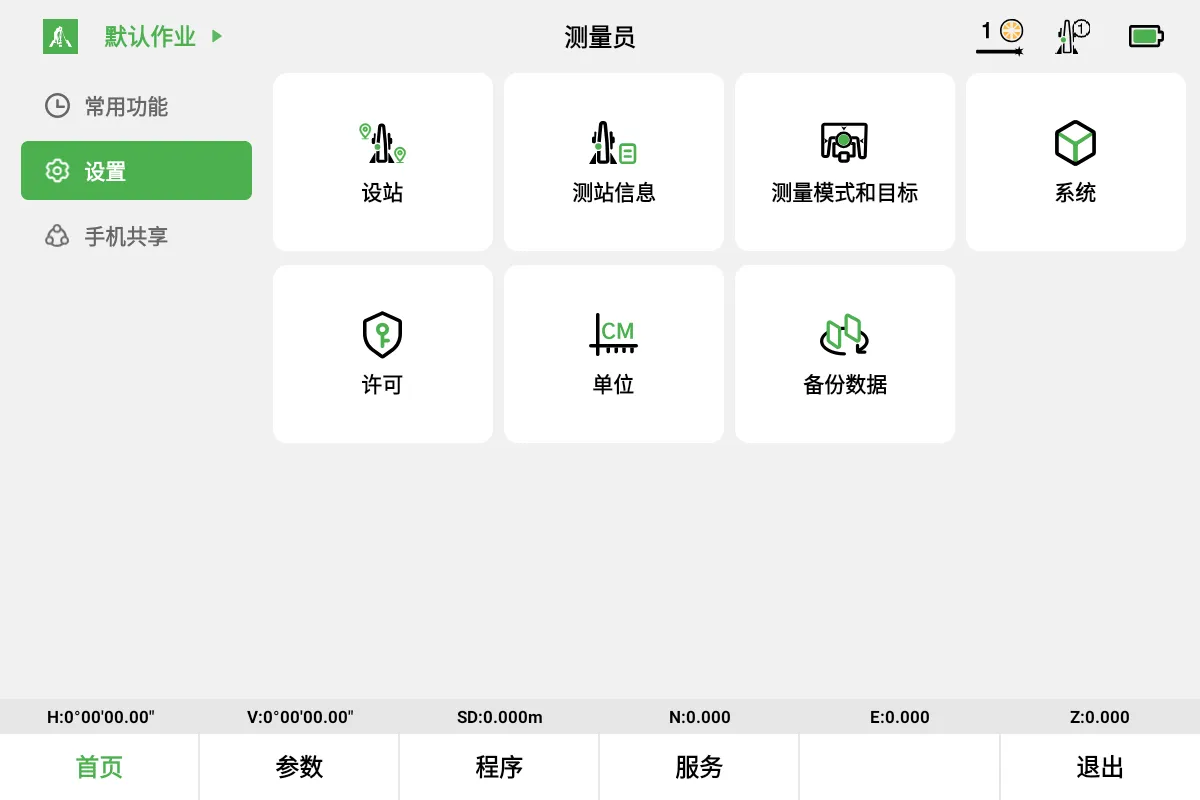
- Distance and angle units, decimal places, system settings
Field screens
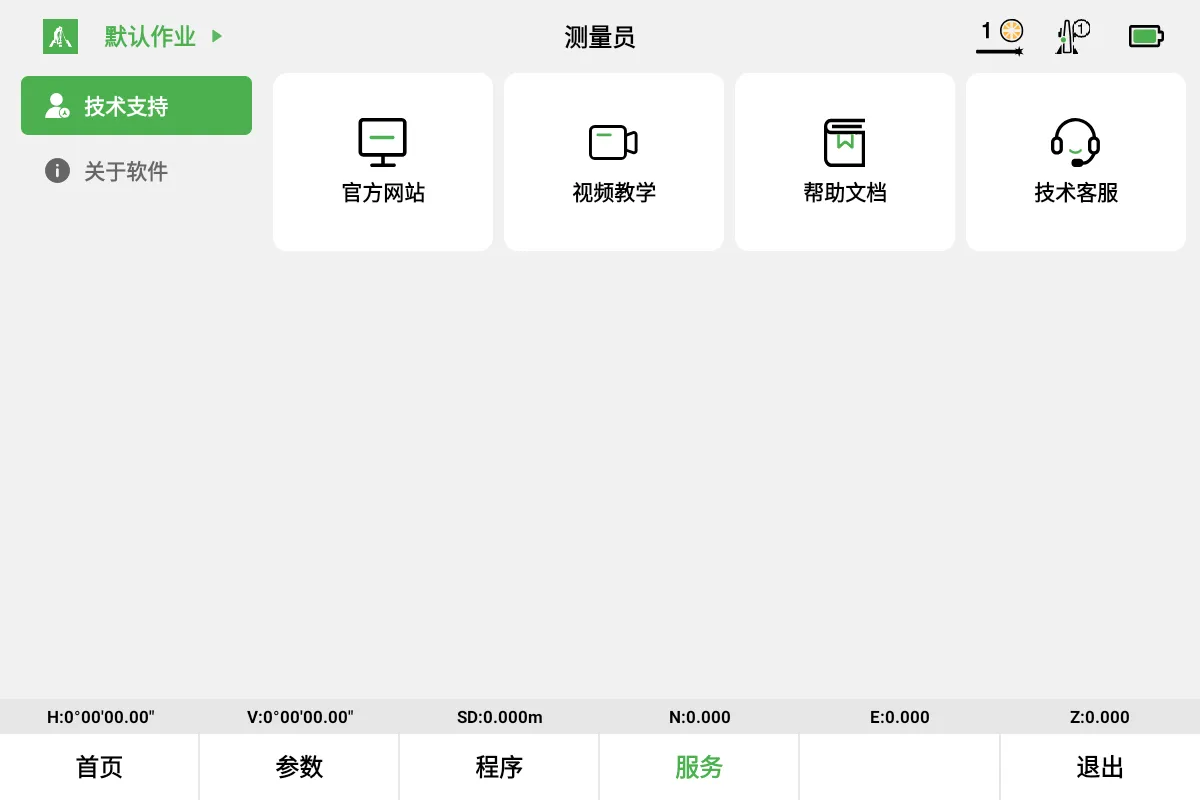
Main menu, alignment parameters, road stakeout and technical support.